Contact
Questions about a pack?
Email us about printing, a licence, a file that will not open or a pack you would like to see. We usually reply within one working day.


Support hours
Mon–Fri, 09:00–17:00
Sample hours

Classroom questions
Need copies for a class?
Ask about the Classroom licence

Download help
Lost a link? Open
My account → Downloads
Quick answers
Before you get in touch
The questions we hear most often.
Where are my files?
On the order page right after checkout, in the confirmation email and in My account → Downloads.
My pages print with a cut-off edge
Print again at 100% or “actual size” and check that the paper size in your printer settings matches the file.
Can I upgrade to the Classroom licence?
Yes. Email us and pay the difference between the two licences (sample policy).
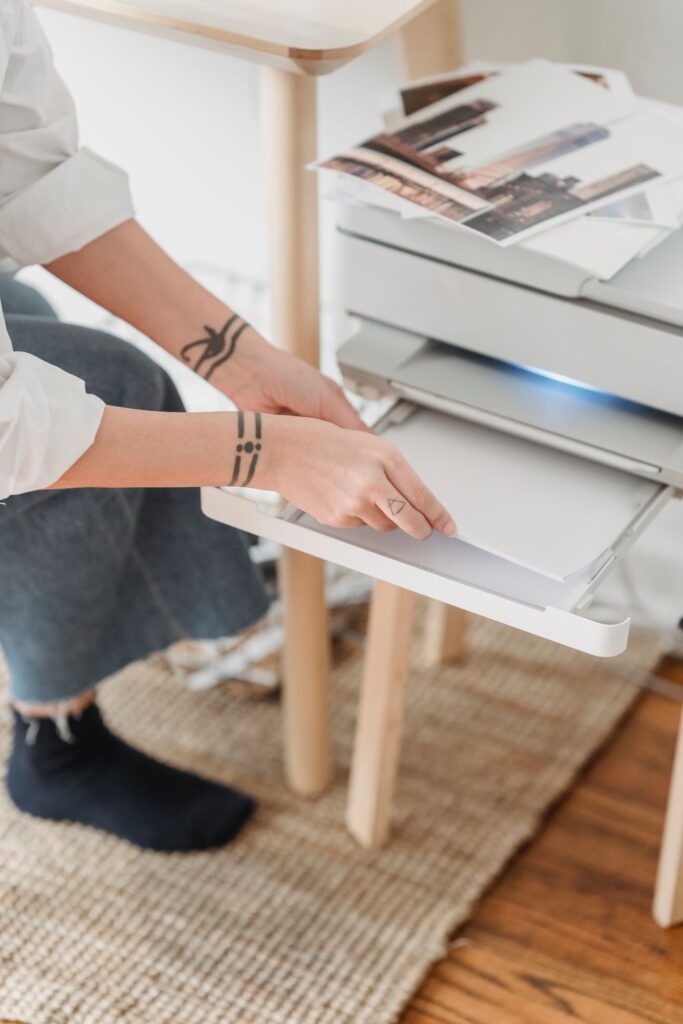
Print tips
Print it right the first time
A few printer settings make the pages come out crisp and the right size.
- Pick the right file: A4 or US Letter, to match the paper in your tray.
- Print at 100%: choose “actual size” and turn off “fit to page”.
- Try one page first: check the margins before you print the whole pack.
- Use draft mode for practice pages: lighter ink is fine for mazes and tracing.
Paper that works well (sample)
Everyday copy paper
Thicker paper for colouring
Card for game cards
Sample tips. Printer menus differ: look for scale, paper size and quality.