Print help & FAQ
Printing, downloads & FAQ
Print tips, paper sizes, download links and licences, all in one place.
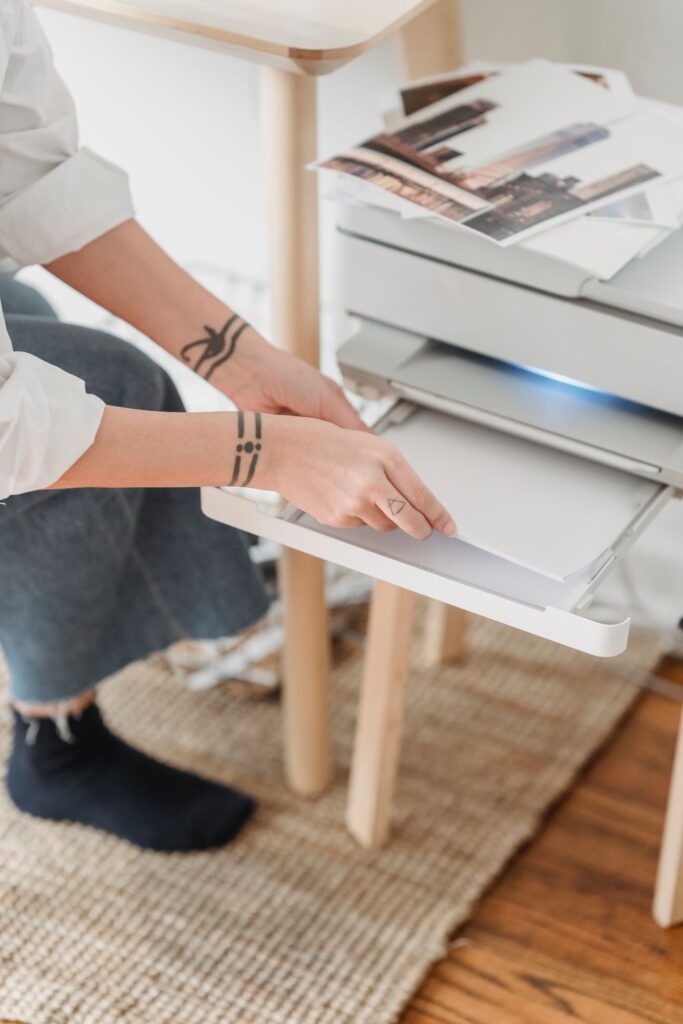
Print tips
Print it right the first time
A few printer settings make the pages come out crisp and the right size.
- Pick the right file: A4 or US Letter, to match the paper in your tray.
- Print at 100%: choose “actual size” and turn off “fit to page”.
- Try one page first: check the margins before you print the whole pack.
- Use draft mode for practice pages: lighter ink is fine for mazes and tracing.
Paper that works well (sample)
Everyday copy paper
Thicker paper for colouring
Card for game cards
Sample tips. Printer menus differ: look for scale, paper size and quality.
Format chips
A4, US Letter or plain PDF
Every pack comes in two paper sizes, so the pages fill the sheet in your printer without odd margins.

A4
A4 paper
Sized for the 210 × 297 mm paper used in most of the world. Print at 100% (actual size).
Paper
210 × 297 mm
Margins
10 mm (sample)
Scale
100% / actual size

Letter
US Letter paper
Sized for 8.5 × 11 in paper. Same pages, same order, just a little wider and shorter.
Paper
8.5 × 11 in
Margins
0.4 in (sample)
Scale
100% / actual size

One PDF per size
Each download is a PDF that opens in any PDF reader, with an answer section where a pack needs one.
Files
1 PDF per paper size
Answers
At the back, where used
Colour
Black lines, ink-friendly
Sample formats. Each pack page lists its own files and page counts.
Which file do I print, A4 or US Letter?
Use the file that matches the paper in your printer: A4 in most of the world, US Letter in the US and Canada.
The pages print too small or cut off. Why?
Your printer is scaling the page. Choose “actual size” or 100% and turn off “fit to page”.
Can I print a page more than once?
Yes. With the Home licence you can print as many copies as the children in your home need.
Can I use the packs in my class?
Yes, with the Classroom licence: one teacher, one class or group (sample terms).
Are the ages fixed?
No. Ages are suggestions based on how detailed the pages are. Look at the preview pages and choose what suits your child.
Do I need an account?
An account is created at checkout so all your downloads stay in one place (sample settings).
Do you post printed packs?
No. Every pack is a PDF download that you print at home or at a print shop.
Is there a refund policy?
Files are delivered instantly, so we look at each request by email. Faulty files are always replaced (sample policy).
Download details
Limits and settings
Every pack is a download, ready as soon as your payment goes through.
Delivery
Instant download link
Download attempts
5 per file
Link valid for
30 days, then re-sent on request
Re-downloads
From My account
Shipping fee
None
Example settings (sample). Download limits live in WooCommerce → Settings → Products.