Presets & LUTs · instant download
Grade the light you already shot
Photo presets for mobile and desktop editors and .cube LUTs for video, each shown on the same photo before and after.
Mobile
.dng preset
Desktop
.xmp preset
LUT
.cube, 33-point
Sample store. Results depend on your photo, your light and your editing app.
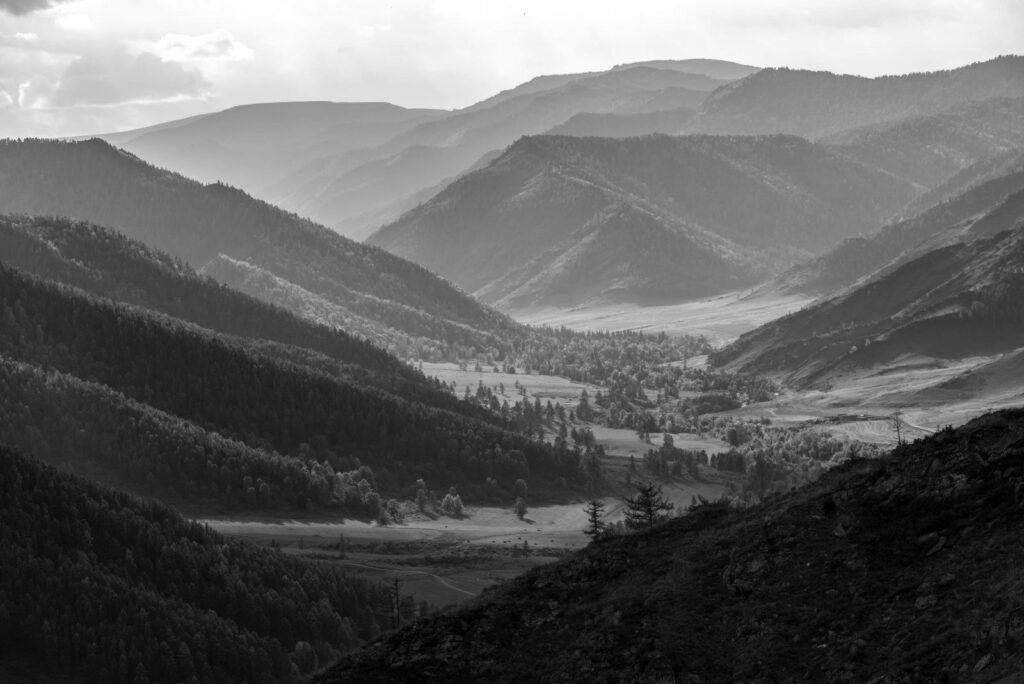
Before
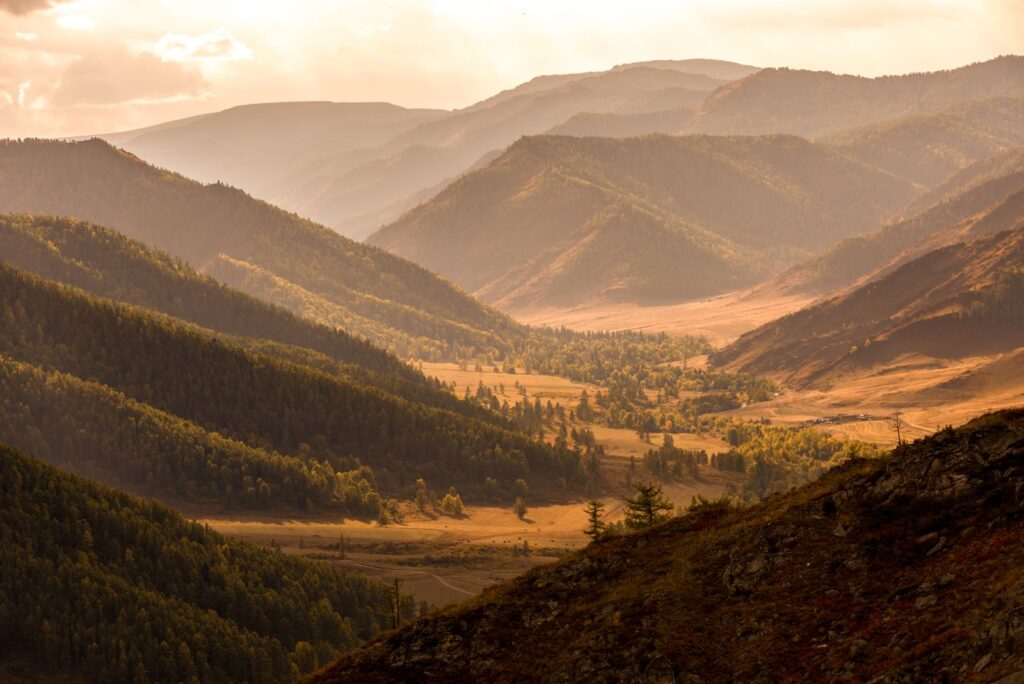
After
Golden Hour 04 · sample edit
Format chips
Three formats, one look
Every pack lists its formats on the product page. Pick the one that matches the app you edit in.

.dng
Mobile presets
Preset files you open in a mobile photo editor that reads .dng presets, then save as a preset.
File
.dng, one per look
Edit on
Phone or tablet
Size
About 1 MB each

.xmp
Desktop presets
Preset files for desktop photo editors that import .xmp presets, for RAW and JPEG photos.
File
.xmp, one per look
Edit on
Laptop or desktop
Works on
RAW and JPEG

.cube
Video LUTs
Look-up tables for most video editors and colour tools that read .cube files.
File
.cube, 33-point
Edit on
Video and colour apps
Footage
Standard or flat profiles
Sample formats and file sizes. Check that your app reads the format before you buy.
Before / after
Same photo, two looks
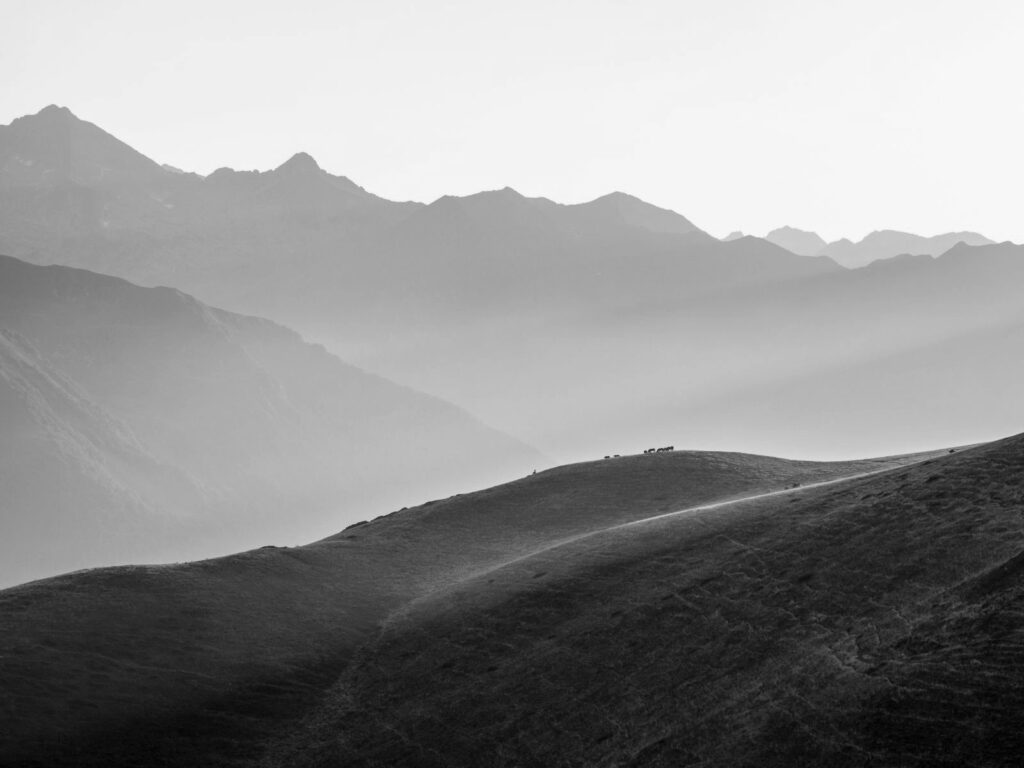
Before
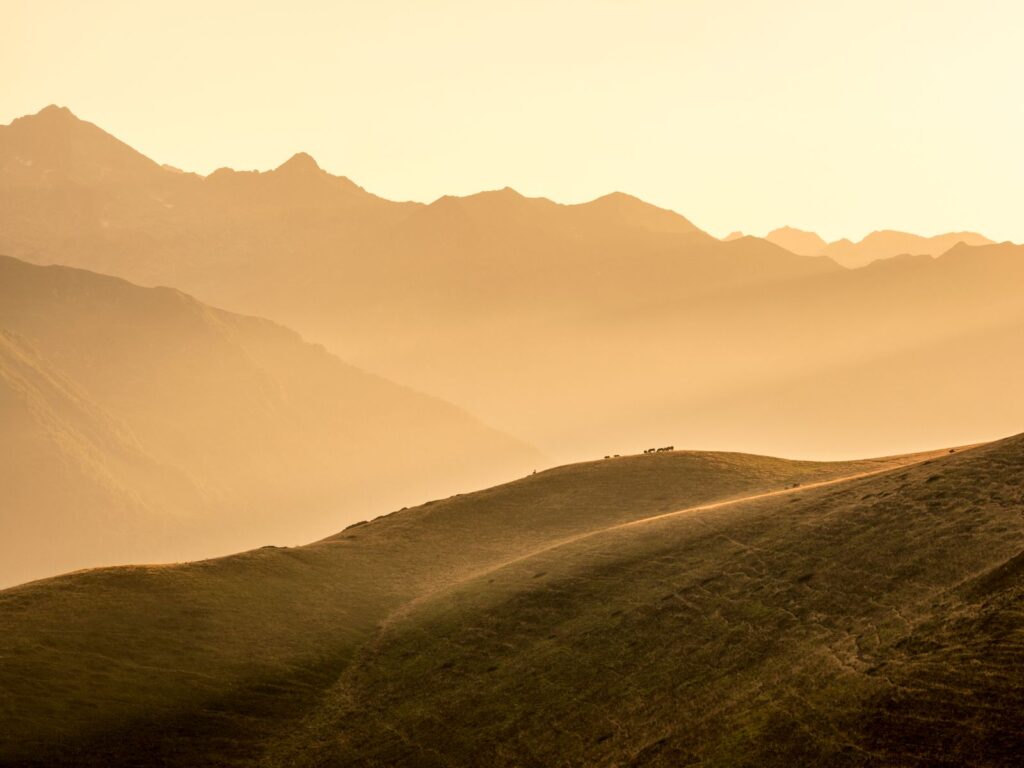
After
Landscape
Film Look 02 · desktop preset (sample)

Before
After
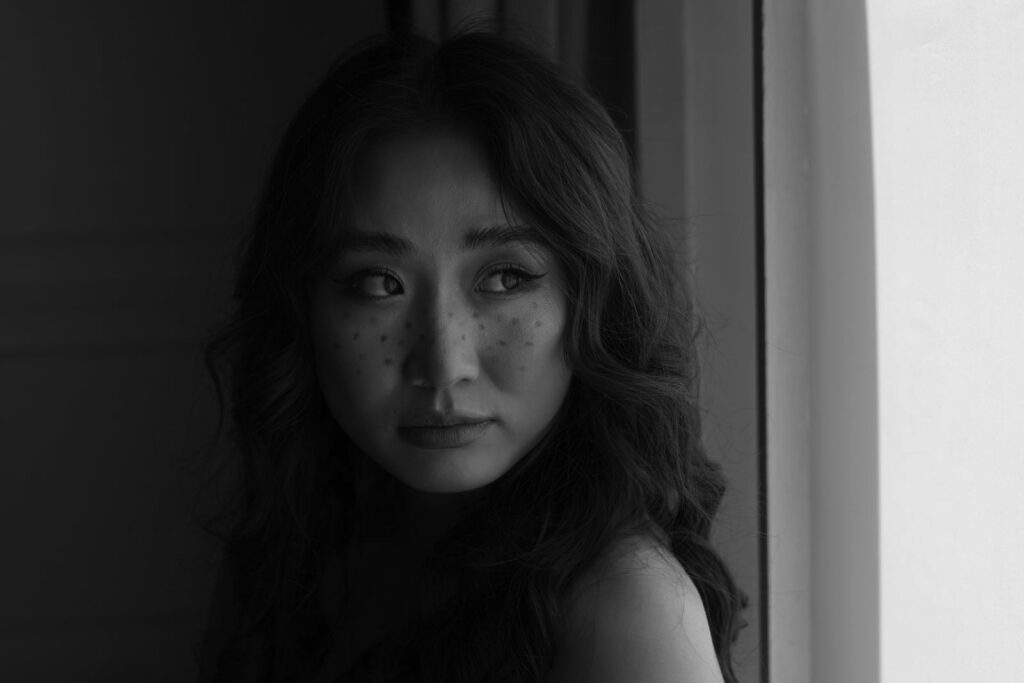
Portrait
Soft Portrait 07 · desktop preset (sample)
Before
After
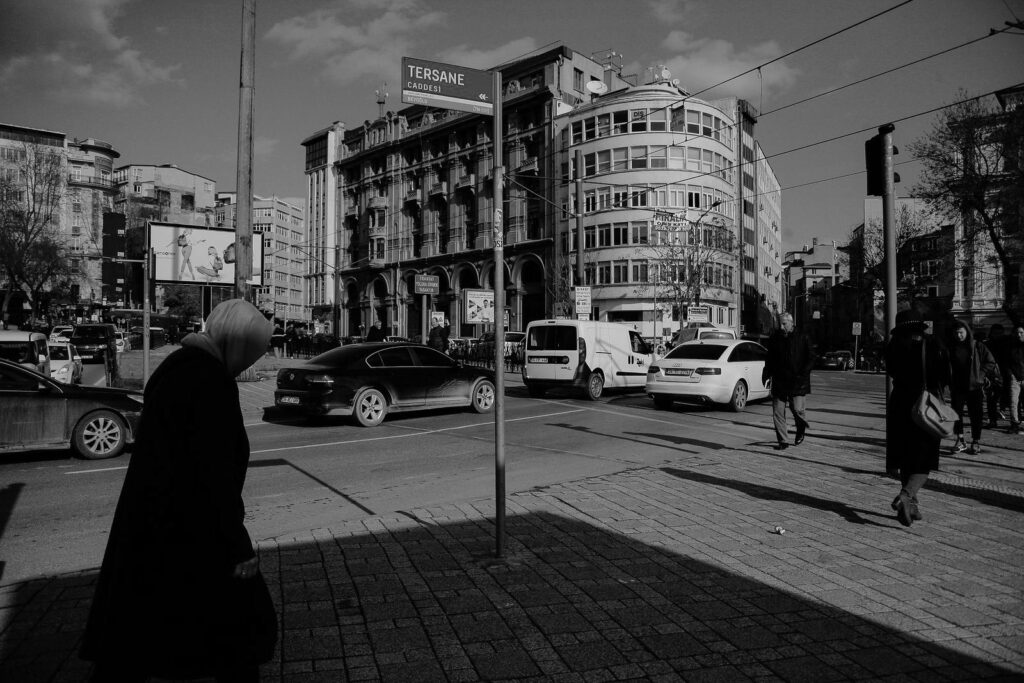
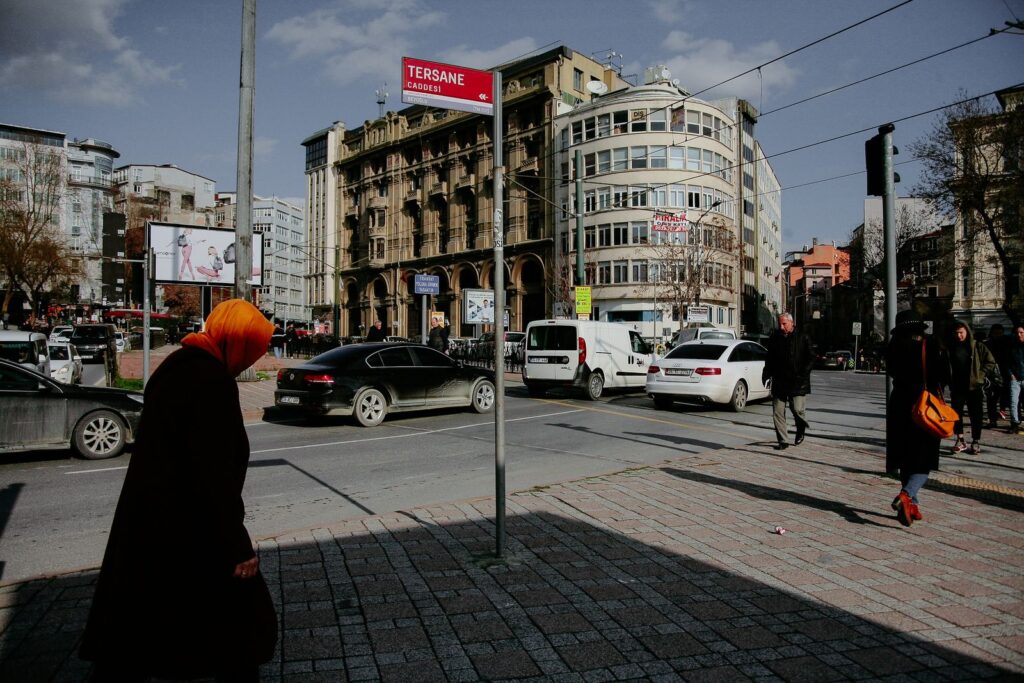
Street
Teal & Amber 03 · LUT (sample)
Before
After
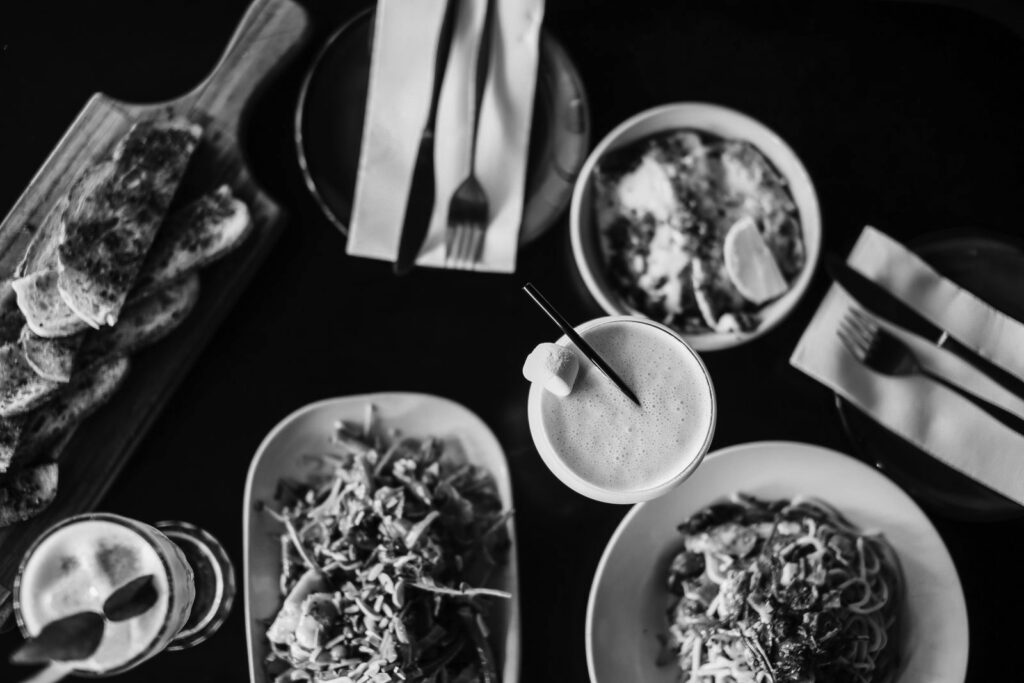
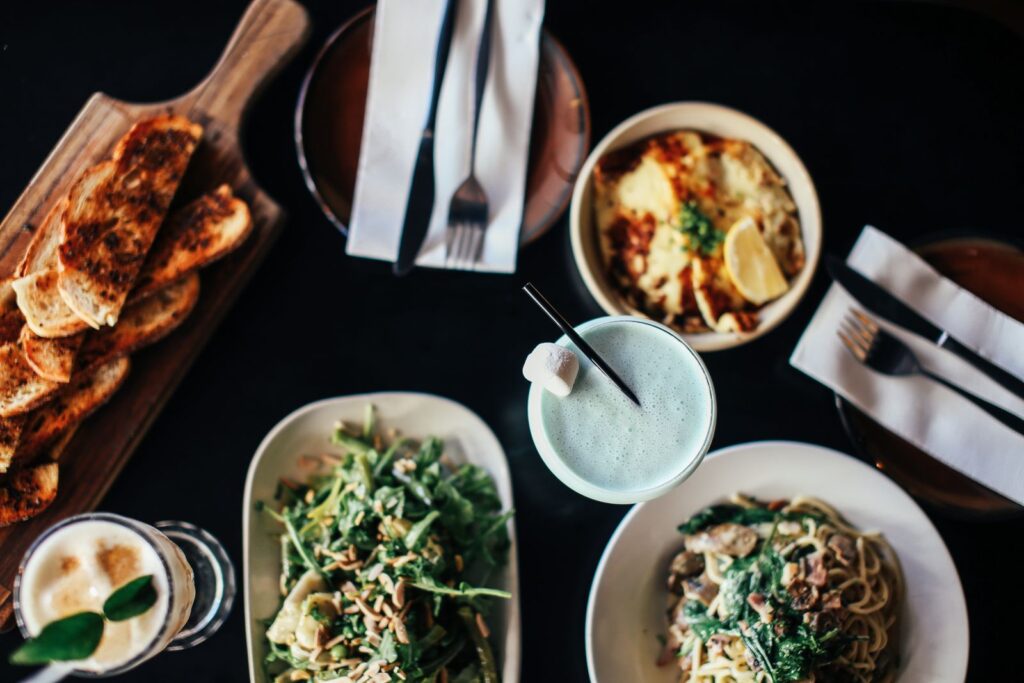
Food
Kitchen Light 05 · mobile preset (sample)
Sample edits: each pair is one photo, unedited on the left and with the look applied on the right.
Packs
Pick a grade
12 looks · .xmp + .dng
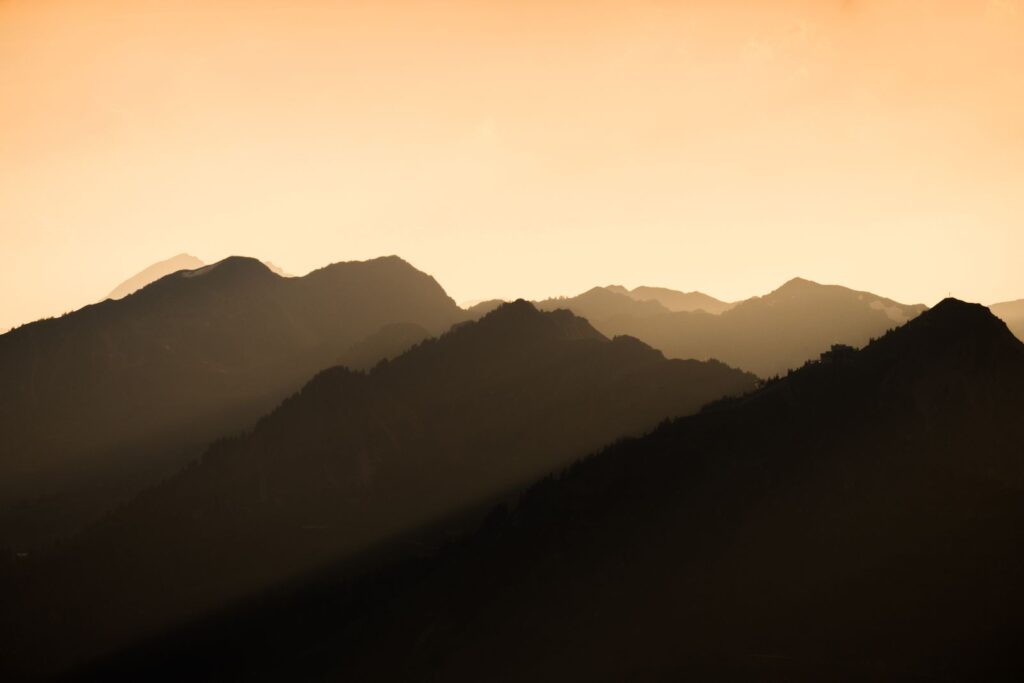
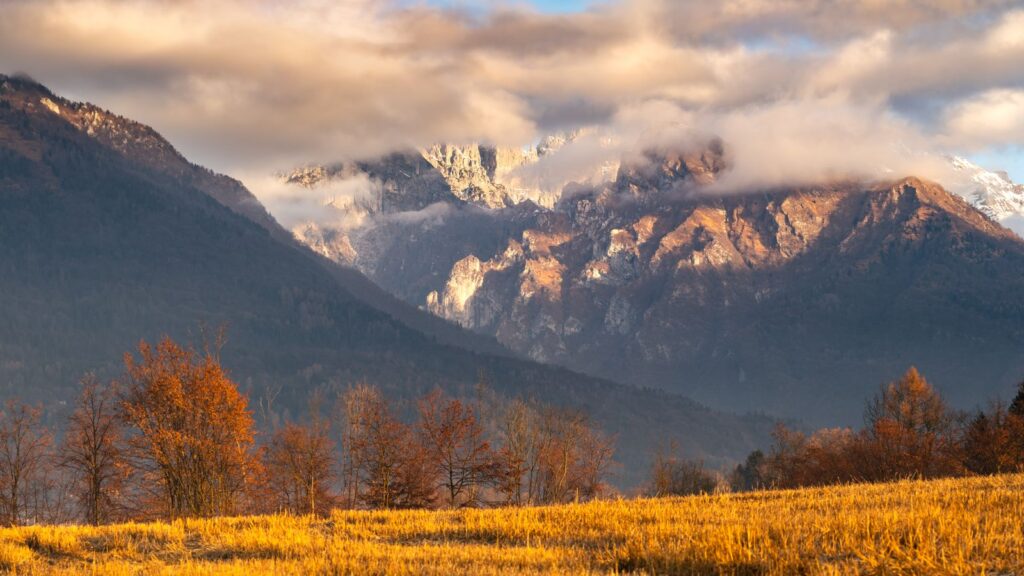
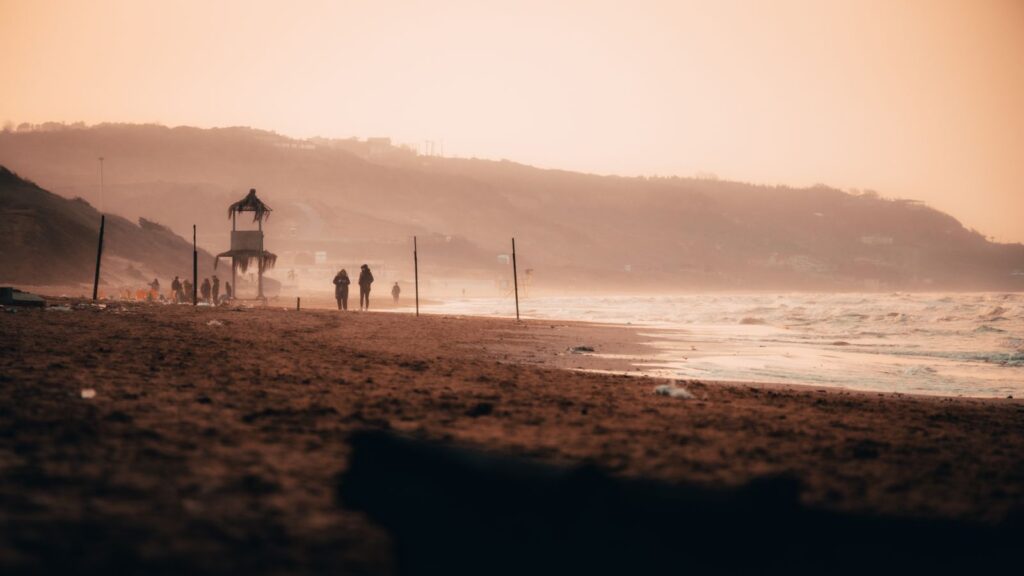
Golden Hour Presets
Warm highlights and soft shadows for sunsets, beaches and late walks.
From $24.00 · Example price
10 looks · .xmp + .dng
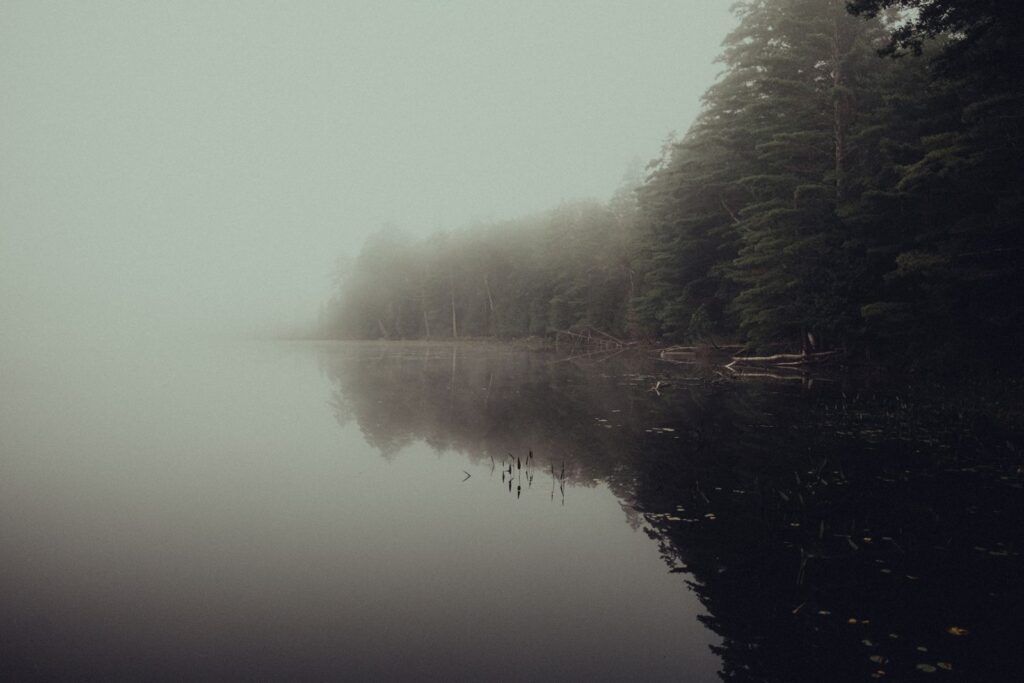
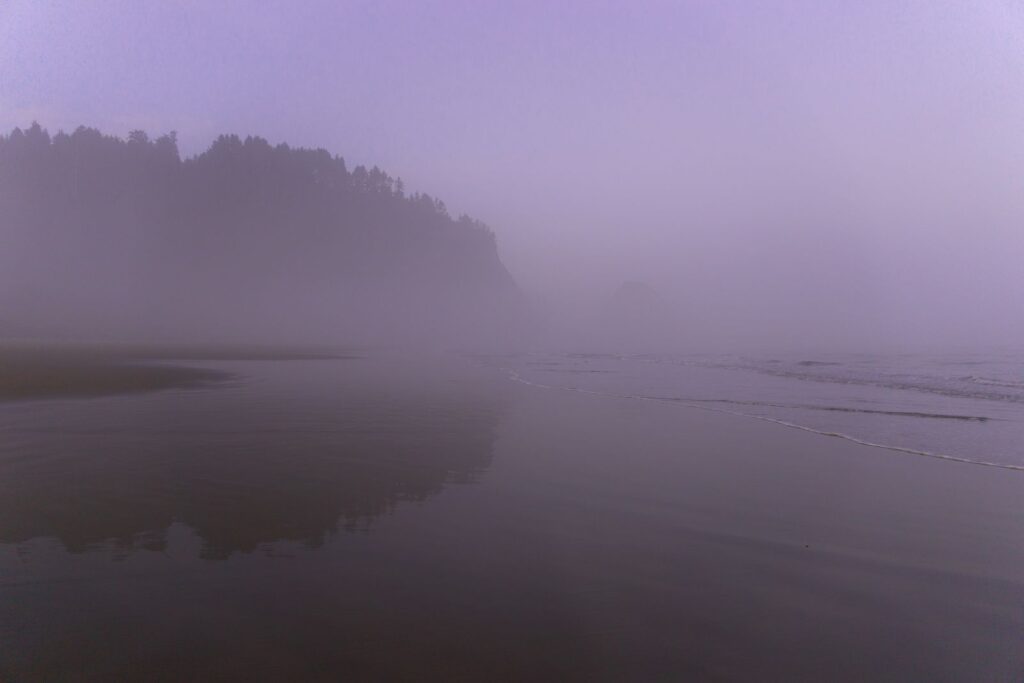
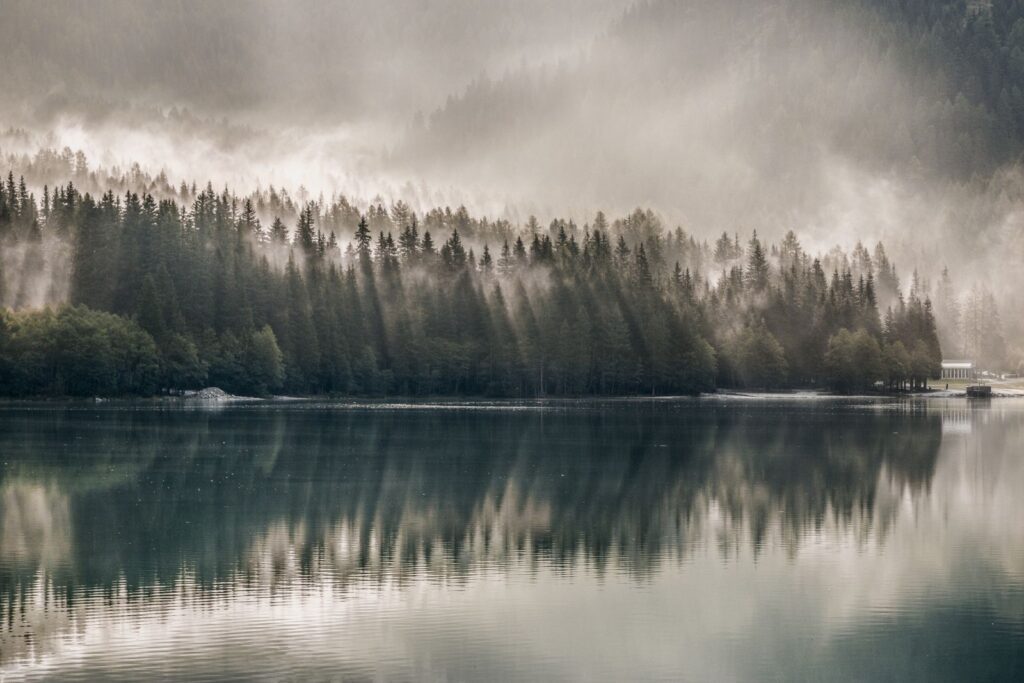
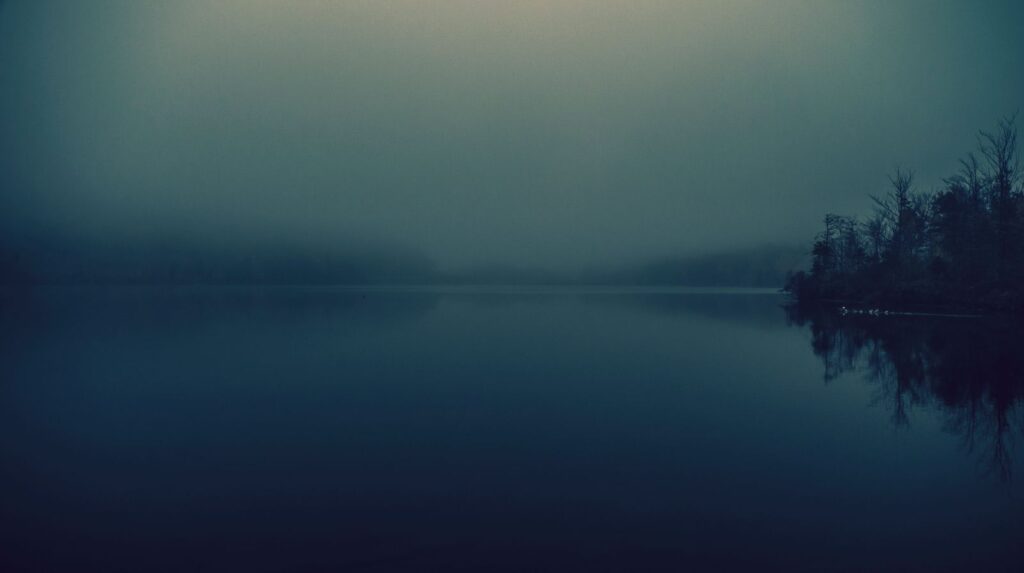
Overcast Matte Presets
Lifted blacks and calm greens for grey days, fog and quiet streets.
From $22.00 · Example price
8 LUTs · .cube
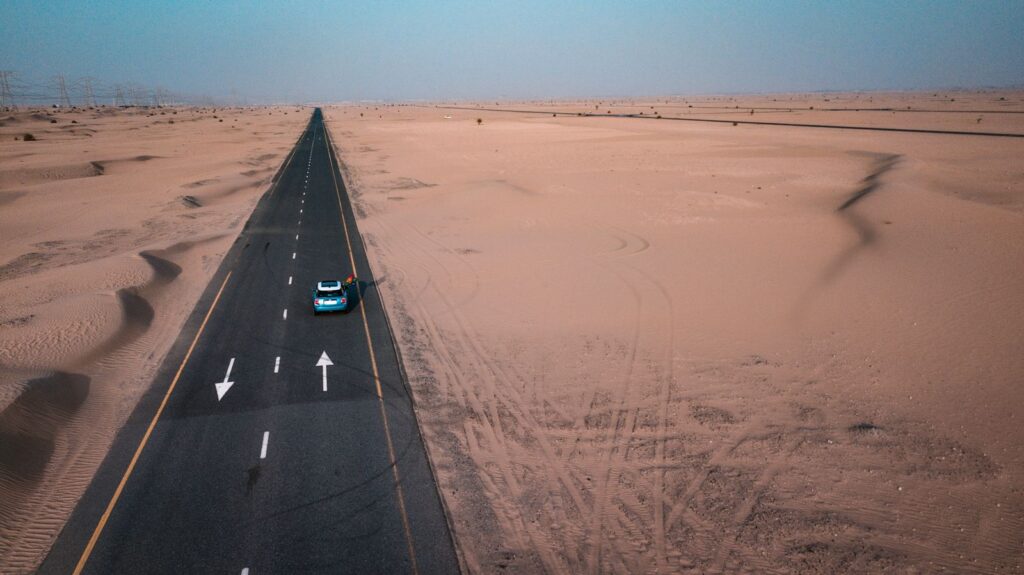
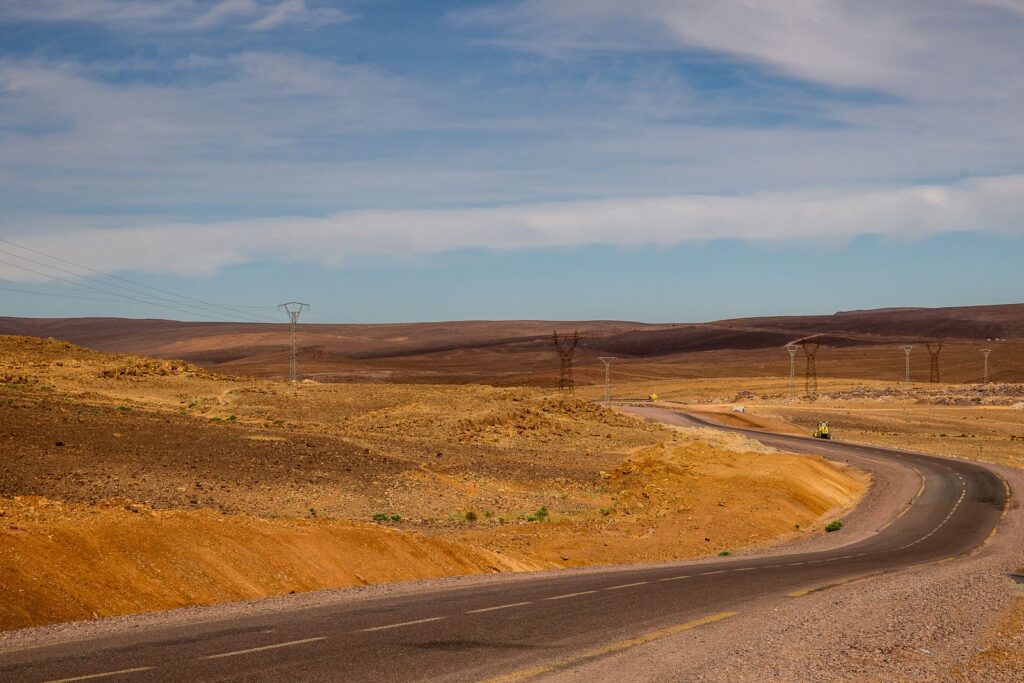

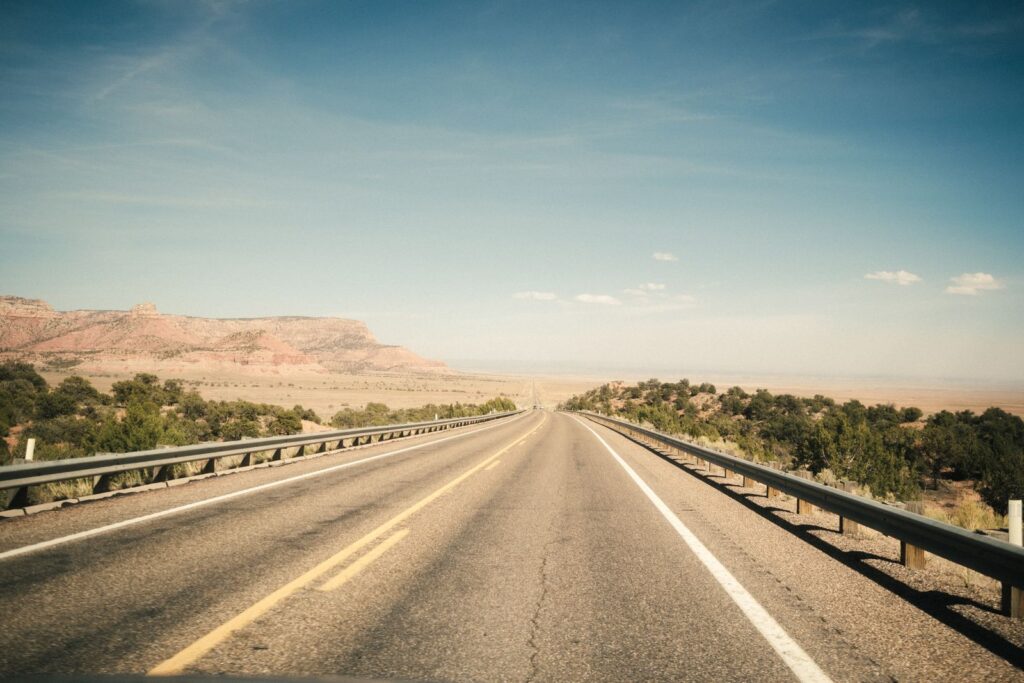
Teal & Amber LUT Pack
Cool shadows and warm skin for travel films and city evenings.
From $29.00 · Example price
9 looks · .xmp + .dng
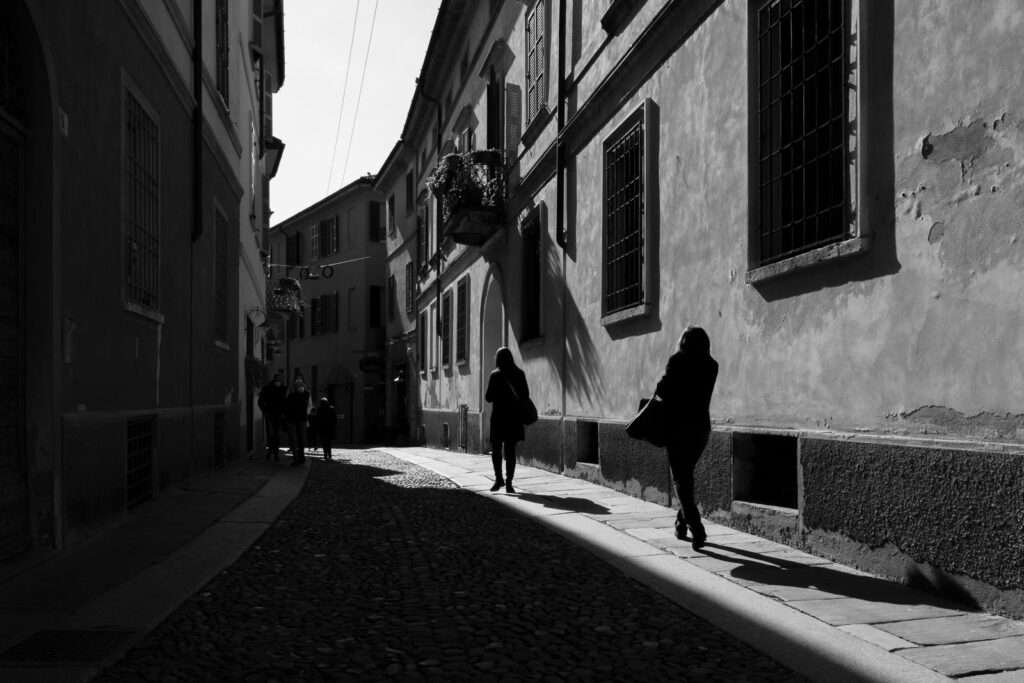
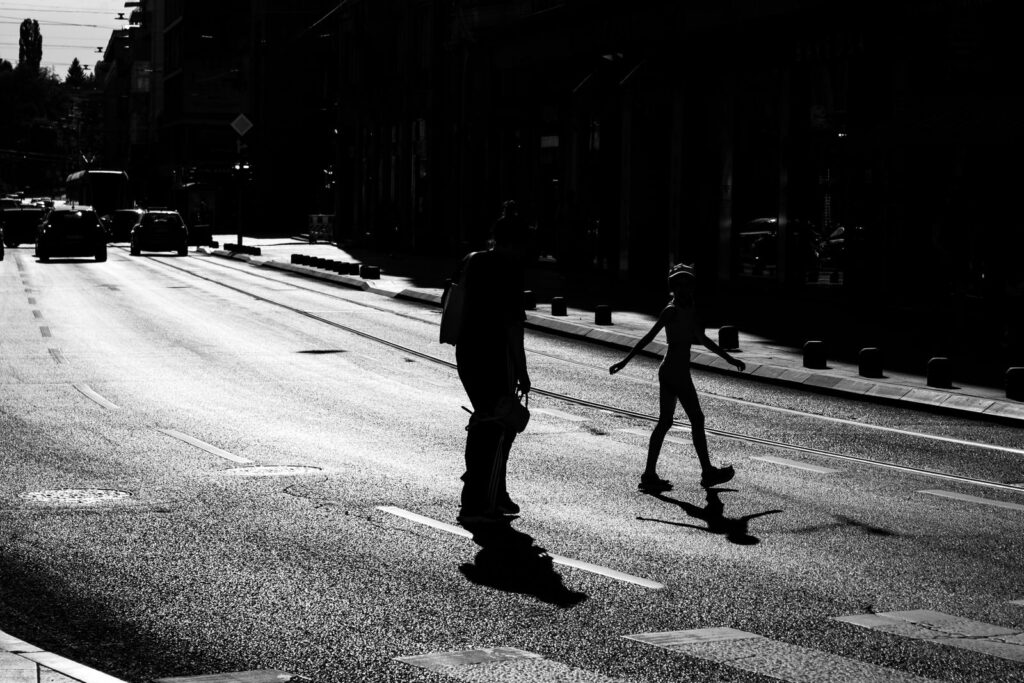
Silver Mono Presets
Black-and-white looks from soft matte to deep contrast.
$19.00 · Example price
Sample packs and example prices. Look counts are examples.
Colour-grade finder
Which grade suits your photos?
Pick the light you usually shoot in, then the mood you want. The cell where they meet is a good first pack.
1 · Pick your light
2 · Pick a mood
3 · Open the pack
Light / mood
Warm & golden
Calm & clean
Moody & deep


A static guide with sample picks. Every pack page shows before / after pairs, so check them on photos like yours.
What you get
Every file in the download
One ZIP per pack with tidy folders, a quick-start PDF and a licence file. Download it again any time from your account.
.xmp
.dng
.cube
PDF guide
Licence.txt
Sample formats
| File | Format | What it is |
|---|---|---|
| Desktop presets | .xmp | One file per look, named 01–12 |
| Mobile presets | .dng | The same looks for mobile editors |
| Video LUTs | .cube | 33-point tables, standard and flat |
| Before / after set | .jpg | The preview pairs from the product page |
| Quick-start guide | Install steps for each app type | |
| Licence | .txt | The terms of the licence you bought |
Licences
Personal, commercial or studio
Every pack has three licences. Choose one on the product page; you can upgrade later by paying the difference (sample policy).
| Personal | Commercial | Studio | |
|---|---|---|---|
| Your own photos and videos | Yes | Yes | Yes |
| Paid client work | No | Yes | Yes |
| Social posts for a business | No | Yes | Yes |
| People who may use it | 1 | 1 | Up to 10 in one studio |
| Share or resell the files | No | No | No |
| Example price | $24.00 | $49.00 | $129.00 |
Install steps
Add a pack in a few minutes
The quick-start PDF in every download has these steps with pictures. Menu names differ from app to app.
.dng
Mobile photo editors
- Unzip the download on your phone or open the .dng files from cloud storage.
- Open a .dng file in your editor like a photo.
- Save its settings as a new preset, then name it.
- Apply the preset to your own photo and adjust exposure to taste.
.xmp
Desktop photo editors
- Unzip the download on your computer.
- In your editor’s preset panel, choose import.
- Select the .xmp files from the folder.
- Click a preset on a photo, then fine-tune white balance.
.cube
Video editors
- Unzip the download and keep the .cube files in one folder.
- Add a colour or LUT effect to your clip.
- Load the .cube file in the effect settings.
- Lower the strength if the look is too strong.
Generic steps (sample). Check your app's own help for the exact menu names.
Instant download
From checkout to your first edit
There is nothing to ship. Your files are ready the moment your payment goes through.
00:00
Pay
Check out with a card or a wallet shown at checkout (sample).
00:01
Download
The download button appears on the order page.
00:02
The same link arrives in your inbox.
Later
Download again
Your files stay in My account → Downloads.
Delivery
Instant download link
Download attempts
5 per file
Link valid for
30 days
Shipping fee
None
Example settings (sample). Download limits and expiry live in WooCommerce → Settings → Products.
All packs
New in the shop
-
Mobile Starter Bundle
$34.00 -
Complete Grade Bundle
Price range: $129.00 through $499.00 -
Ink & Grain B&W LUTs
Original price was: $18.00.$14.00Current price is: $14.00. -
Silver Mono Presets
$19.00 -
Quiet Documentary LUTs
$22.00 -
Flat-to-Natural Conversion LUTs
$24.00 -
Teal & Amber LUT Pack
Price range: $29.00 through $149.00 -
Film Look Mobile Pack
$16.00
Sample reviews
From the edit desk
Sample reviews shown for the demo store.
★★★★★
The before / after pairs used one photo each, so I knew what the preset would actually do.
Sample customer
Golden Hour Presets
★★★★★
The quick-start PDF had steps for my phone and my laptop. Installed in ten minutes.
Sample customer
Overcast Matte Presets
★★★★★
I lowered the LUT strength to about 70% and it sat nicely on my travel clips.
Sample customer
Teal & Amber LUT Pack
Which apps do the presets work in?
Desktop photo editors that import .xmp presets and mobile editors that open .dng files. LUTs work in most video editors that read .cube files. Each product page lists its formats.
Will my photos look exactly like the previews?
Not always. A preset is a starting point: light, camera and exposure change the result, so expect to adjust white balance and exposure.
Do LUTs work on flat or log footage?
Packs marked “standard and flat” include a version for each. Use the flat version on flat profiles and the standard one on normal footage (sample).
Can I use the presets for client work?
Yes, with the commercial or studio licence. The personal licence covers your own photos and videos only.
I lost my files. Can I download them again?
Yes. Log in and open My account → Downloads (sample settings).